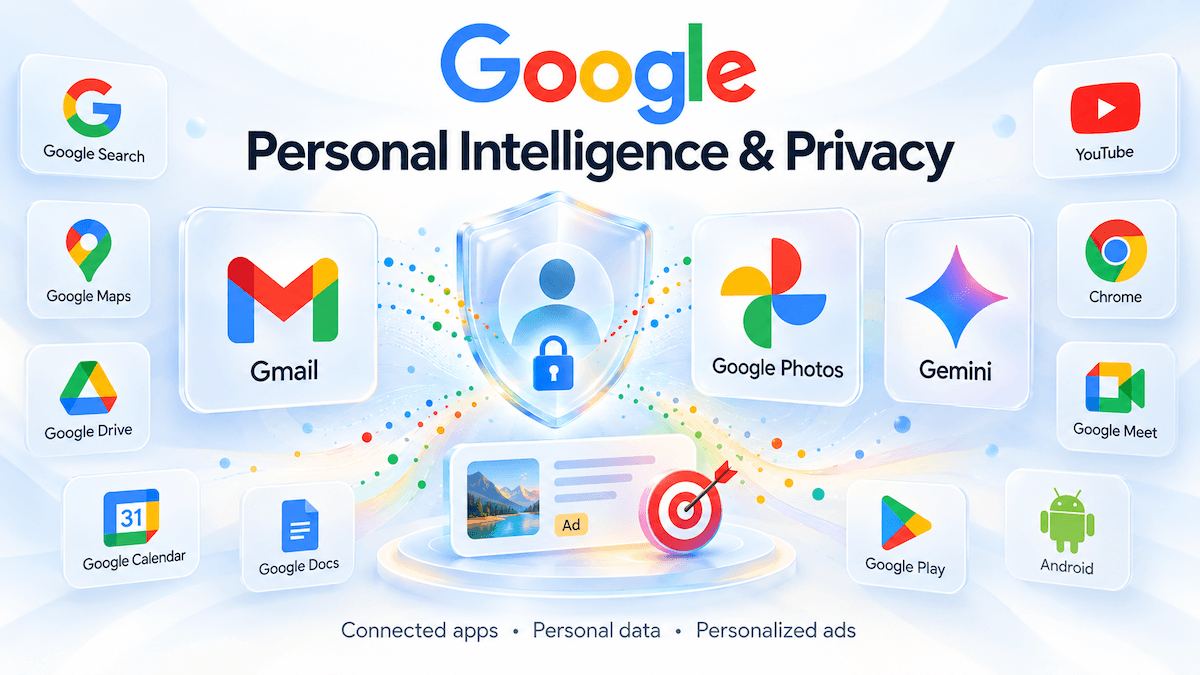
Turned On Google’s Personal Intelligence? Your Gmail and Photos May Now Influence Your Ads
For about five years, Google kept a simple promise: what sits in your Gmail inbox, your Drive folders, and your Google Photos library would stay out of its advertising machine. That promise now comes with a condition.
As of October 16, Google’s privacy policy no longer excludes Gmail, Drive, and Google Photos content from personalized advertising across the board. Instead, it carves out an exception for users who turn on Personal Intelligence, the opt-in feature that lets Search and Gemini draw on those apps.
If you’ve connected your Google apps to get smarter AI answers, the trade-off just got clearer.
What exactly changed?
The policy still says Google doesn’t show you personalized ads based on your content from Drive, Gmail, or Google Photos. The October 16 version keeps that line but adds a condition: the promise holds only unless you choose to make that data available to other Google services that support personalized ads.
The new language goes further. It names Search as one service that may process the data you’ve allowed it to access in order to personalize content, including ads.
The timing matters. The original pledge has stayed in identical wording since July 1, 2021. Rewriting it now, as Google pushes Personal Intelligence as the next leap for Gemini and Search, signals where the company sees the value of your connected data.
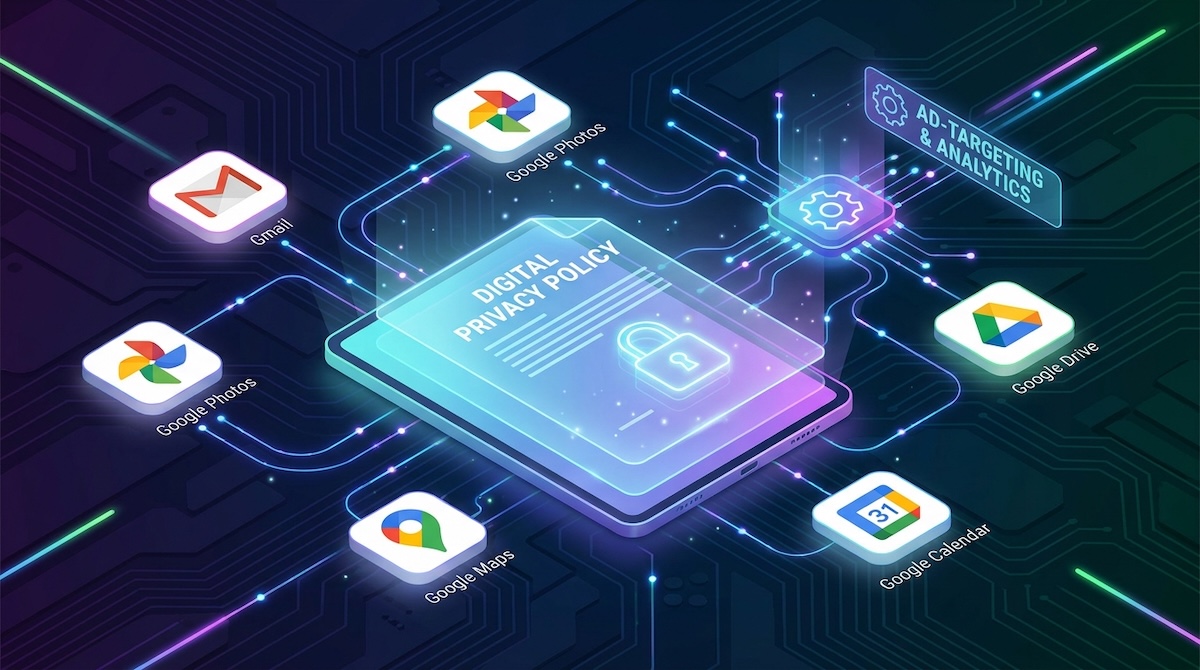
What is Personal Intelligence?
Personal Intelligence lets Gemini and Google Search pull information from your connected Google apps so they can give more relevant answers without you having to explain everything from scratch. Ask about your upcoming flight, and it can find the confirmation email. Ask where you ate on your last trip, and it can check your photos.
That convenience is the hook. The catch: the same data that helps Gemini or Search answer your questions through Personal Intelligence might also influence the ads you see.
What Google says it is not doing
The headlines can sound alarming, so it’s worth being precise.
It’s not on by default. This doesn’t mean Google automatically scans your private emails and photos to serve ads. The exception only applies if you’ve connected those apps.
Advertisers don’t get your content. Google said advertisers will not receive the underlying Gmail, Drive or Photos content or identifiers such as names and email addresses.
Sensitive categories remain off-limits. Google says it doesn’t personalize ads based on sensitive categories such as race, religion, sexual orientation, or health.
Gemini chats aren’t ad fuel. Google’s Gemini Apps privacy help page says chats are not used to show ads.
Why it still matters
The key word in Google’s reassurance is “directly.” Google’s help page says ads won’t be based directly on your Gmail inbox or Photos library, but ads can still draw on the summaries, excerpts, and inferences Search derives from those sources.
In practice, that’s a profiling question more than a “Google is reading my email” question. Travel plans in Gmail, location-tied photos, or shopping interests inferred from your content may help Google decide which ads to show you. You don’t hand over your inbox — you hand over what an AI concludes about you from it.
Founders and teams should take a second look at this, too. Anyone whose team uses consumer Google accounts should assume that Personal Intelligence consent now shapes ad targeting. Business data living in personal Gmail or Drive accounts is exactly the kind of content that can produce detailed inferences.
How to stop Gmail and Photos from shaping your ads
If the trade isn’t worth it to you, you can disconnect your apps:
Open your Google Account and go to Data & Privacy.
Under Personalization & activity, select Personalization settings.
Choose Manage Personalized Recommendations in Search Services.
In the Additional Personal Intelligence section, open Connected Content apps.
Disconnect Google Photos and Google Workspace.
These steps come from Google’s settings flow as outlined by How-To Geek. You can also turn off Personalized Recommendations entirely and separately review My Ad Center and My Activity. Note that connecting Google Photos isn’t available in all regions, so you may not see every option.
The bigger picture
This is the business model of AI assistants, and it's showing its hand. Personal AI is only useful when it knows you, and the data that makes an assistant useful also makes ads more effective. Google has kept its default intact, but it has drawn a line connecting “helpful AI” and “personalized ads” right through your inbox.
The decision is now yours to make deliberately: is a smarter Gemini worth letting its inferences follow you into your ad feed?
FAQ
Does Google read my Gmail to show me ads?
Not by default. The exception only applies when you connect Gmail, Drive, or Photos to services like Search through Personal Intelligence, and Google says ads won’t be based directly on your inbox.
When did the policy change take effect?
October 16, 2026.
Can advertisers see my emails or photos?
No. Google says advertisers don’t receive your content or identifiers like your name or email address.
How do I opt out?
Disconnect Google Workspace and Google Photos under Connected Content apps in your Google Account’s personalization settings, or turn off Personal Intelligence.
Is this the same as Gemini using my chats for ads?
No. Google says Gemini Apps chats are not used to show ads.