The 9 Claude Code Plugins Worth Your Context Window in 2026 (And How to Install Them
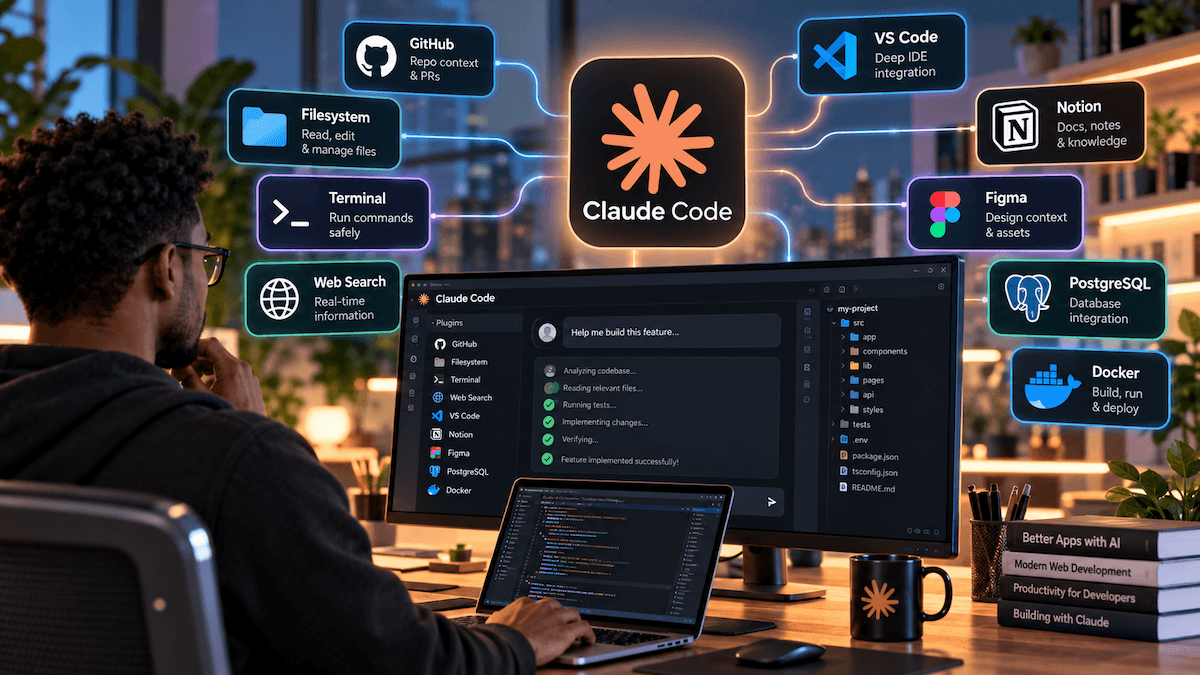
Claude Code out of the box is a capable coding agent. Claude Code with the right plugins is a development workflow: one that checks types, reviews its own diffs, follows your commit conventions, and reads current docs instead of guessing from stale training data.
The trouble is choice. The official marketplace carries more than 250 plugins and the community catalog more than 2,000, counted from Anthropic’s public catalogs in August 2026. Most developers need only a handful. This guide covers nine that earn their place, why each matters, and the one-line command to install it.
What is a Claude Code plugin?
A Claude Code plugin is a packaged bundle of extensions that installs as one unit. Plugins extend Claude Code with skills, agents, hooks, and MCP servers. Before plugins existed, extending Claude Code meant manually configuring MCP servers in .mcp.json, writing Skills in .claude/skills/, and copying hook configurations between projects. Now you install by name, and the whole setup comes with it.
How to install Claude Code plugins
You don’t need to add anything to get started. Claude Code adds Anthropic’s official marketplace the first time you start an interactive terminal session, unless a managed policy blocks it. Run /plugin and browse the Discover tab, or install directly:
/plugin install <plugin-name>@claude-plugins-officialIf you see an error, add the marketplace with /plugin marketplace add anthropics/claude-plugins-official; if the plugin is not found, your local copy is outdated, so refresh it with /plugin marketplace update claude-plugins-official.
One warning before the list: every plugin costs context. A fresh Claude Code session already consumes around 20,000 tokens before you type anything. Helpfully, plugins in Anthropic’s official marketplace show a Context cost estimate in the Discover tab. Install deliberately.

1. claude-code-setup — start here
If you only install one plugin today, make it this one. It’s a meta-plugin: claude-code-setup reads a codebase and recommends automations that fit it. Instead of guessing which of the other eight you need, let it inspect your repo and tell you.
/plugin install claude-code-setup@claude-plugins-officialBest for: anyone setting up Claude Code on a new or inherited project.
2. Code intelligence (LSP) plugins — typescript-lsp and friends
This is the plugin category with the biggest quality payoff. Code intelligence plugins enable Claude Code’s built-in LSP tool, letting Claude jump to definitions, find references, and see type errors immediately after edits. In practice, Claude stops “fixing” code into a state that doesn’t compile, because it sees the type error the moment it introduces one.
/plugin install typescript-lsp@claude-plugins-officialPick the language server that matches your stack; TypeScript and Rust are the most commonly recommended.
Best for: any typed codebase, especially large ones where text search alone misses references.
3. feature-dev — plan before you build
The fastest way to waste an afternoon with an AI agent is to let it start coding before it understands the feature. feature-dev imposes structure: explore the codebase, clarify requirements, design the architecture, then implement and review. One tester reported that feature-dev eliminated 4 database tables before a line of code was written — the kind of saving that only comes from thinking first.
/plugin install feature-dev@claude-plugins-officialBest for: non-trivial features that touch several files or introduce new data models.
4. code-review — a second pair of eyes before merge
Speed cuts both ways. When Claude generates code fast, it can also generate vulnerabilities fast. The code-review plugin adds a /code-review command that runs a structured review of your changes, flagging bugs, style drift, and logic issues. Teams using Claude Code as a final review gate before merge tend to install this one.
/plugin install code-review@claude-plugins-officialBest for: solo developers without a reviewer, and teams wanting a consistent pre-PR check.
5. security-guidance — catch risky patterns as they’re written
Where code-review runs on demand, security-guidance works in the background, warning Claude when an edit introduces common security problems such as injection risks or unsafe handling of user input. It’s cheap insurance, especially if you ship web apps or anything that handles payments or personal data.
/plugin install security-guidance@claude-plugins-officialBest for: production web apps, APIs, and anything public-facing.
6. commit-commands — clean git history without the busywork
Small plugin, daily payoff. commit-commands adds slash commands for committing, pushing, and opening pull requests, with commit messages written from the actual diff. Your history stays readable without you writing “fix stuff” at 1 a.m.
/plugin install commit-commands@claude-plugins-officialBest for: everyone who uses git, which is everyone.
7. GitHub — issues, PRs and repos without leaving the terminal
The GitHub plugin bundles an MCP connection to GitHub, so Claude can read issues, check PR status, and work with repository data directly. Pair it with commit-commands and you can go from issue to merged PR in a single session.
/plugin install github@claude-plugins-officialBest for: developers whose work is driven by GitHub issues and pull requests.
8. context7 — current docs, not stale memory
Language models learn libraries at a point in time, and libraries keep moving. context7 pulls up-to-date, version-specific documentation into the session, so Claude writes against the API that exists today rather than the one it remembers. It’s one of the few plugins that directly reduces hallucinated function calls.
/plugin install context7@claude-plugins-officialBest for: fast-moving frameworks (Next.js, React, ORMs, AI SDKs) where APIs change between versions.
9. superpowers — disciplined engineering habits, packaged
Superpowers is a skills library that teaches Claude a working method rather than a single tool. Through it, Claude learns brainstorming, subagent development with code review, debugging discipline, TDD, and skill authoring. If you’ve noticed Claude flailing on hard bugs, this plugin’s systematic debugging and test-first habits are the fix.
/plugin install superpowers@claude-plugins-officialBest for: developers who want Claude to behave more like a careful senior engineer and less like an eager intern.
Honourable mentions
frontend-design — pushes Claude away from generic, templated UI toward distinctive interfaces.
hookify — turns rules you’d otherwise repeat (“never edit migration files”) into enforced hooks.
code-simplifier — a cleanup pass that reduces complexity in recently written code.
supabase / firebase — worth it if those are your backend.
A recommended starter stack
Don’t install all nine on day one. A sensible order:
Every project: claude-code-setup, commit-commands, your language’s LSP plugin.
Add for real features: feature-dev, code-review, context7.
Add for production and teams: security-guidance, github, superpowers.
Then prune. Claude Code groups anything unused for two weeks under a Not used recently header, a useful nudge for plugins still charging you context every turn.
A note on safety
Official plugins are reviewed; community ones are not. Community plugins are unvetted text files, and a plugin can run hooks and connect to external services on your machine. Read a community plugin’s source before installing, prefer well-maintained repositories, and keep secrets out of any repo a plugin can read.
Frequently asked questions
What are the best Claude Code plugins for beginners?
Start with claude-code-setup, commit-commands, and an LSP plugin for your language. They deliver immediate value with little configuration.
Are Claude Code plugins free?
Plugins in the official marketplace are free to install. Some connect to third-party services (GitHub, Supabase, Firebase) that have their own accounts or pricing.
What’s the difference between a plugin, a skill, and an MCP server?
Claude Code skills are Markdown instruction files. Claude plugins bundle those skills with supporting configs, hooks, and slash commands into a shareable package. MCP servers are live connections to external systems like Figma, databases, or browsers. A plugin can contain both skills and MCP servers.
How many plugins should I install?
As few as solve your actual problems. Each enabled plugin adds context overhead to every session, so five well-chosen plugins beat fifteen idle ones.
Can I build my own Claude Code plugin?
Yes. Anthropic’s plugin-dev plugin scaffolds one for you, and you can host your own marketplace from any git repository to share plugins with your team.
Which Claude Code plugins made your shortlist? Share your setup with the community in the comments.